
Investing in a UV printer is a significant decision that can elevate your production capabilities—whether you’re in signage, packaging, decoration printing, or furniture production. UV printers use ultraviolet light to cure ink instantly, enabling printing on diverse materials (rigid, flexible, uneven surfaces) with vibrant, durable results. However, with countless models, features, and price points available, selecting the right one requires careful consideration of your specific needs, technical requirements, and long-term goals. YDM team will break down the critical factors to help you make an informed choice.
1. Define Your Core Requirements First
Before exploring technical specs, clarify your primary use cases and constraints. This foundational step will narrow down options and prevent overinvesting in unnecessary features.
1.1 Identify Your Printing Applications
UV printers are versatile, but different models excel at specific tasks. Ask yourself:
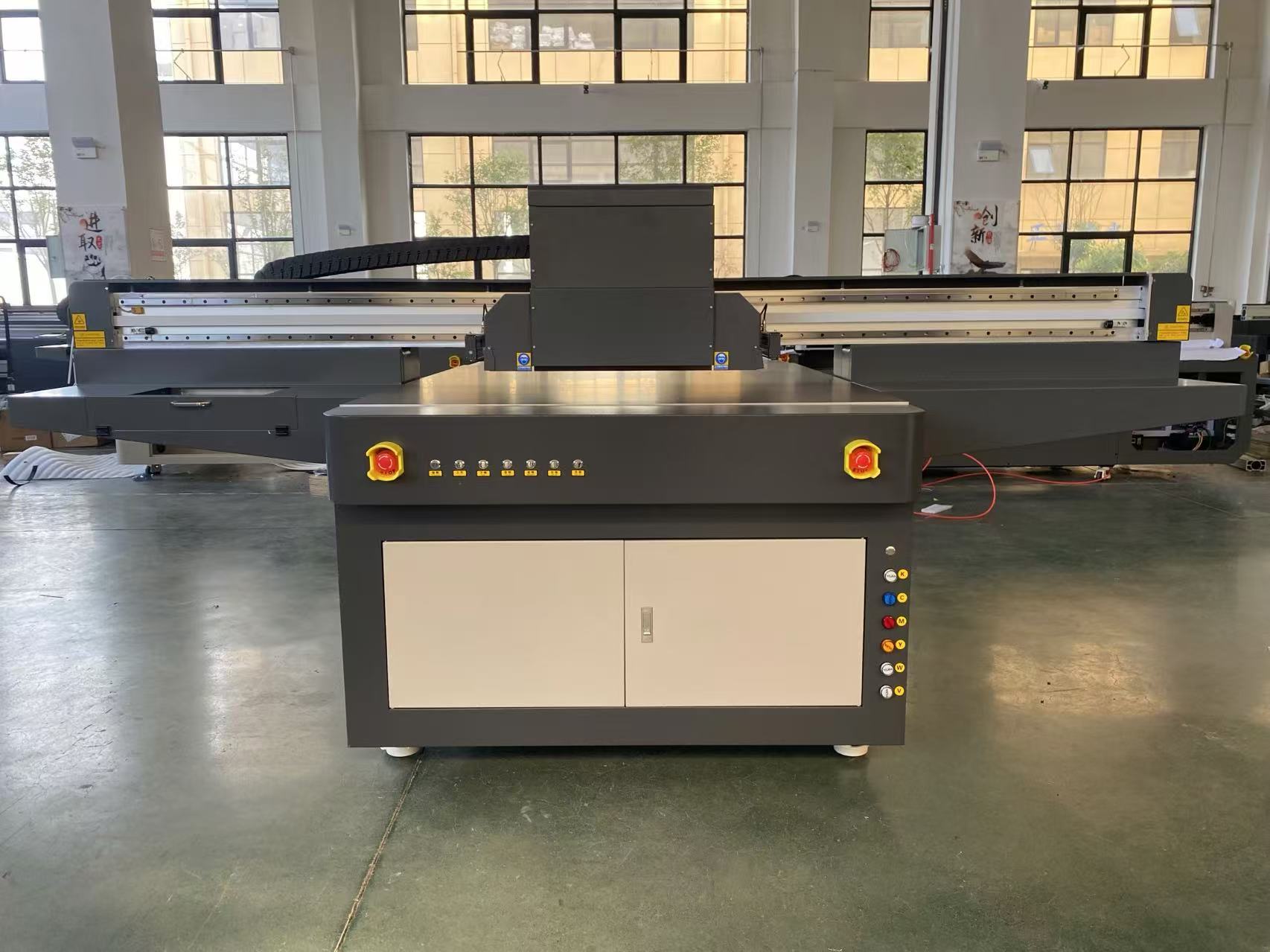
What materials will you print on? Rigid materials (acrylic, metal, wood, glass) require a flatbed UV printer, while flexible substrates (vinyl, fabric, film) may need a roll-to-roll UV printer or a hybrid model (combines flatbed and roll-to-roll capabilities).
What is your typical print size? Small-format printers (e.g., 60cm x 90cm) suit boutique businesses or small-batch projects (e.g., custom phone cases), while large-format models (e.g., 3.3m x 2.5m or larger) are ideal for signage, billboards, or industrial packaging.
What is your production volume? Low-volume users (e.g., small businesses, artists) can opt for entry-level or mid-range models, while high-volume manufacturers need industrial-grade printers with fast print speeds, multiple print heads, and continuous operation capabilities.
1.2 Set a Realistic Budget
UV printer prices range from $4000(entry−level) to over $40,000 (industrial models). Your budget should account for not just the upfront cost, but also long-term expenses:
Ink costs: UV ink is more expensive than aqueous ink, so calculate ink consumption per square meter (e.g., solvent-based UV ink vs. LED-UV ink).
Maintenance: Regular cleaning, print head replacements (every 1–3 years), and part repairs.
Operational costs: Energy usage (LED-UV printers are more energy-efficient than mercury lamp models) and labor.
Avoid compromising on critical features (e.g., print quality, durability) for a lower price—cheap printers may have frequent breakdowns or produce subpar results, increasing long-term costs.
2. Evaluate Key Technical Specifications
Technical specs determine a UV printer’s performance, versatility, and output quality. Focus on these non-negotiable factors:
2.1 Print Head Technology
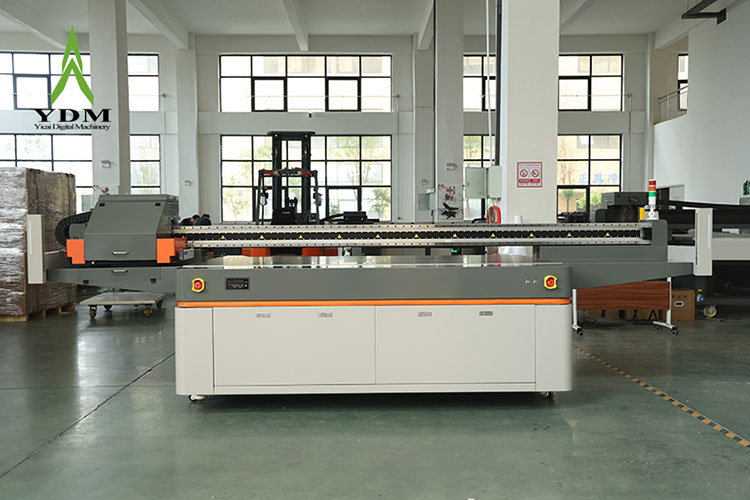
The print head is the “heart” of a UV printer, affecting speed, resolution, and ink deposition. Specific your needs with our team will help you choose the most suitable one.
2.2 UV Curing System
The curing system determines how quickly ink dries and adheres to materials.
3. After-Sales Support
A UV printer is a long-term investment, so choose a brand that offers free training and access to user manuals, troubleshooting guides.
Whether you’re printing braille, signage, packaging, or art, the right UV printer will enhance efficiency, expand your capabilities, and deliver professional, durable results. By following the YDM team guide, you can confidently invest in a printer that aligns with your business objectives and drives success.
Post time: Dec-30-2025


